

Left without a plan
Hypothetical risk, not recorded waste.
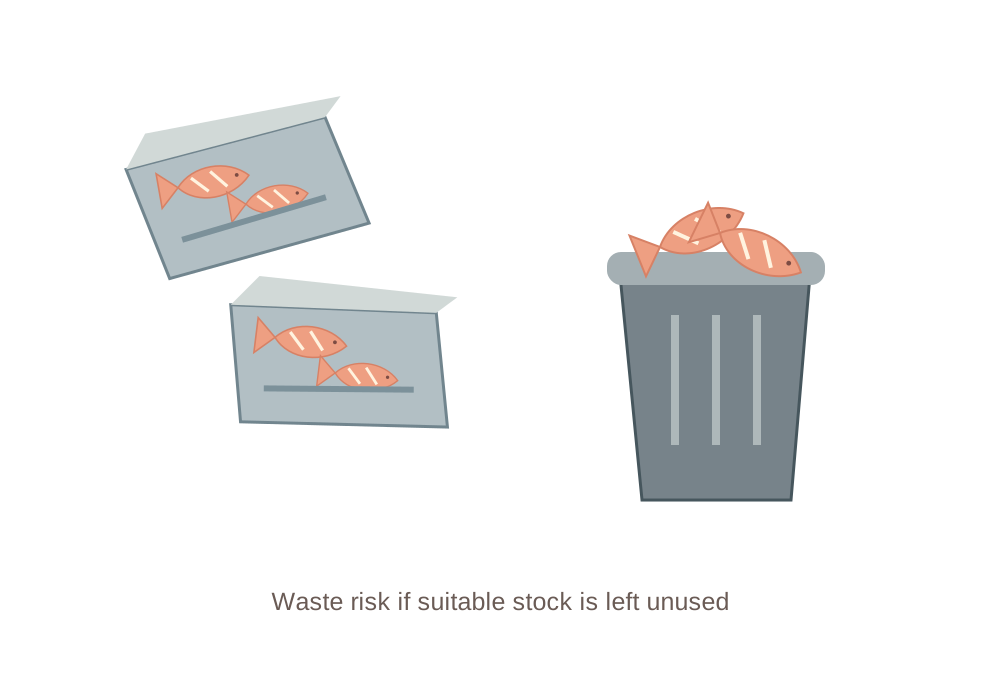
Unreviewed counts and unclear timing can leave suitable ingredients unused.
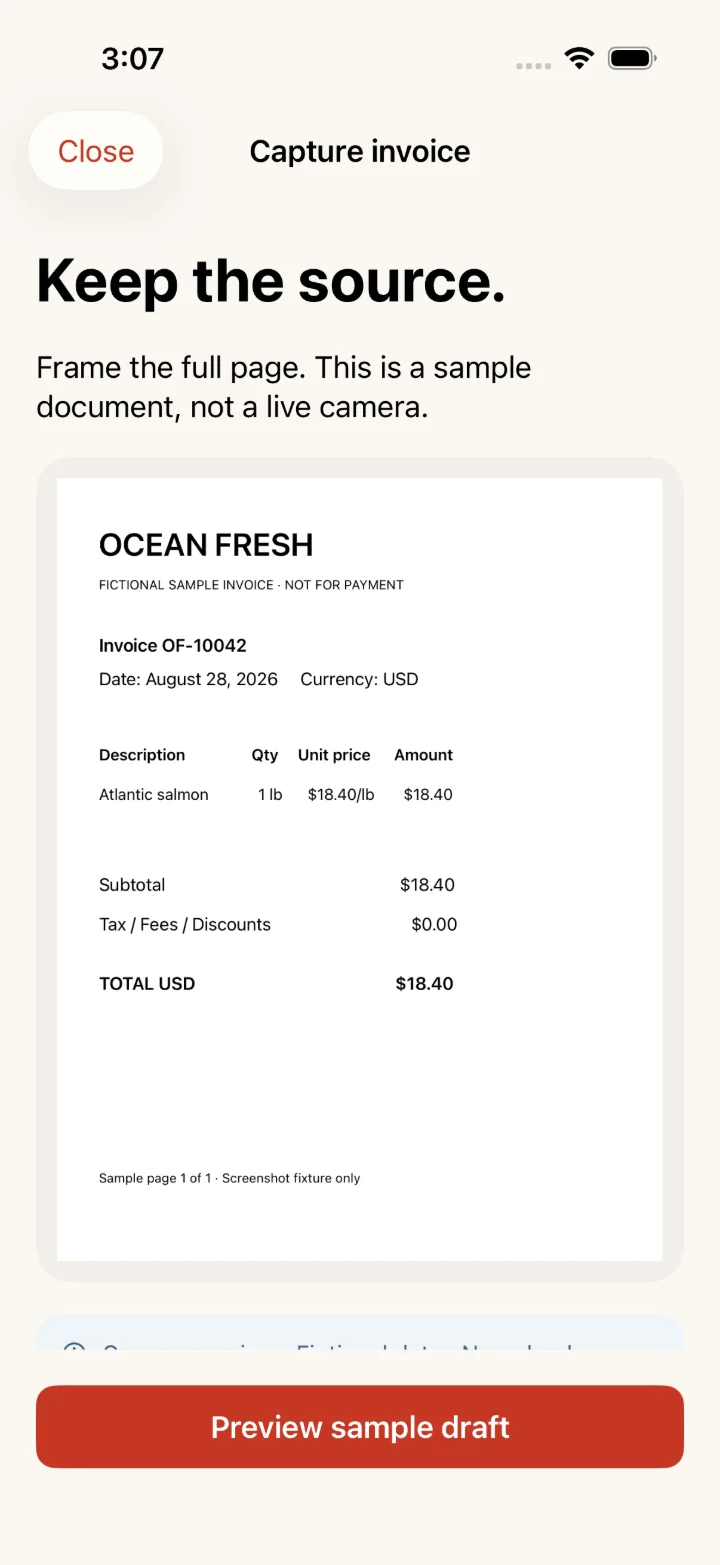
An invoice line becomes a reviewed cost, a recipe check and a decision you approve — with the source kept beside it.
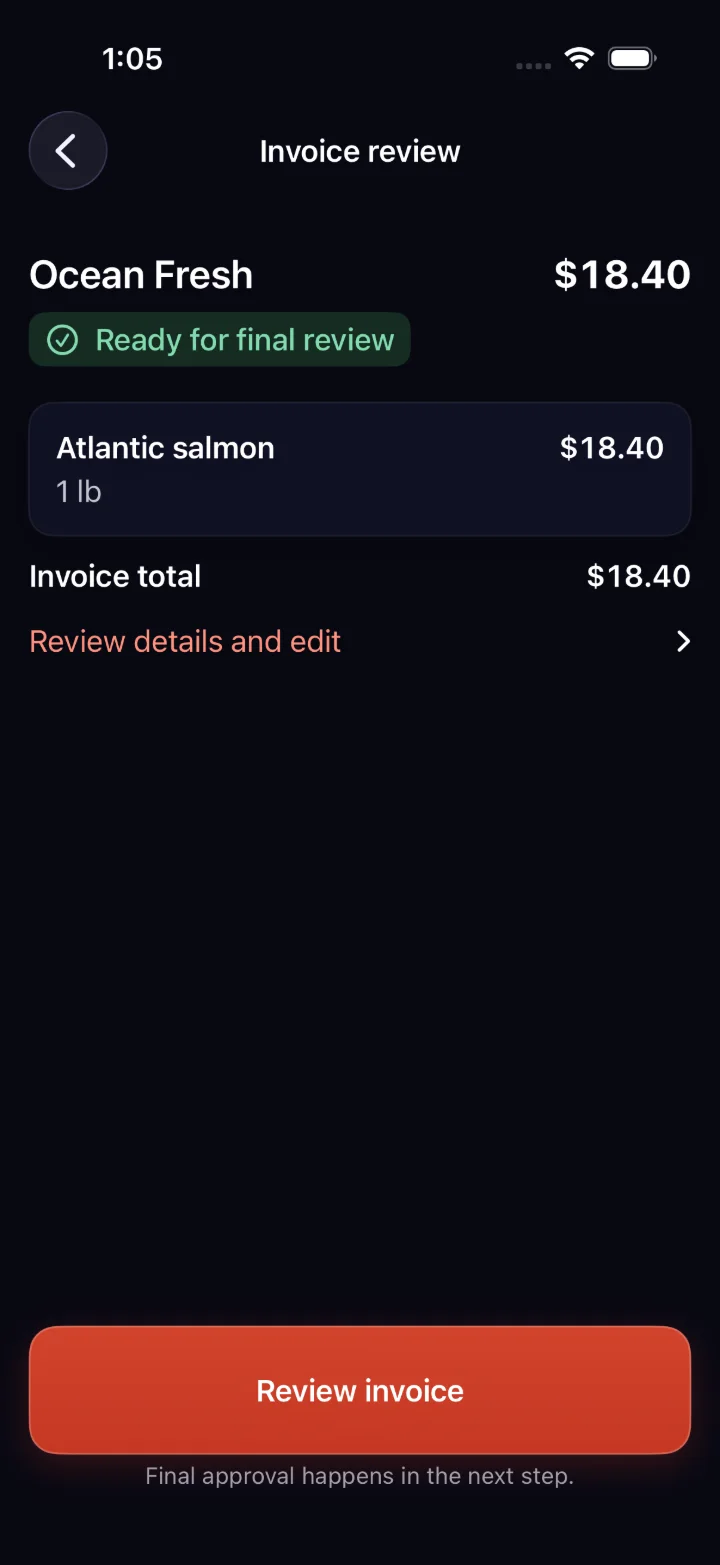

Capture or email the invoice → review the extracted draft → a manager approves. Capture and email are two ways into the same review.
An invoice photo or emailed attachment leads to the same review.
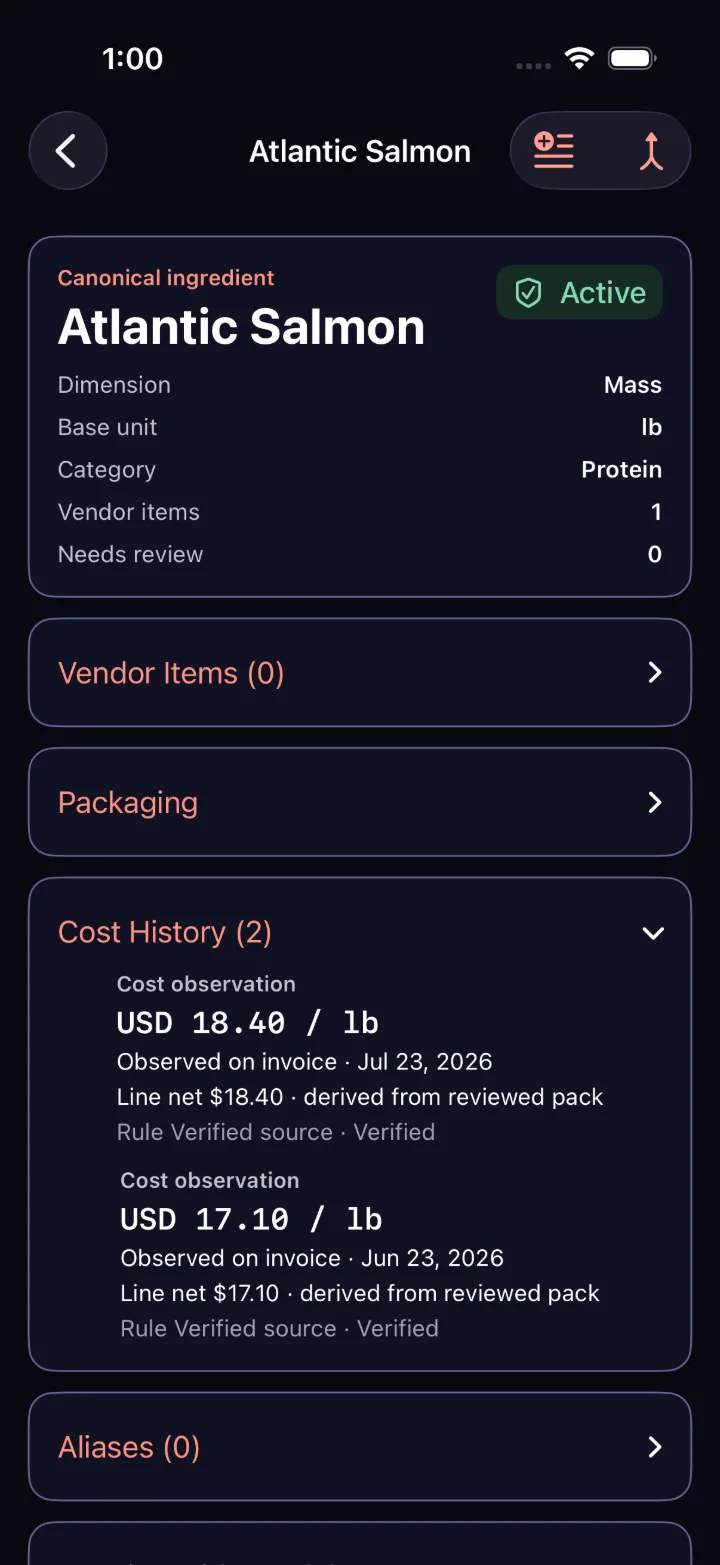
Keep the unit, the date and the source in view. Jun 23 → Jul 23.
Ingredient cost observations—not savings. Separate illustrative example.
Inspect the source →Turn changing demand and scattered shift inputs into a plan your manager can review.
A changed reservation book also affects preparation, purchases and the stock left at the end of the week.
Illustrative scenarios.
Review staffing against expected service.
Review usable stock while there is still time to change prep, purchasing or a limited special.
Hypothetical risk, not recorded waste.
Unreviewed counts and unclear timing can leave suitable ingredients unused.
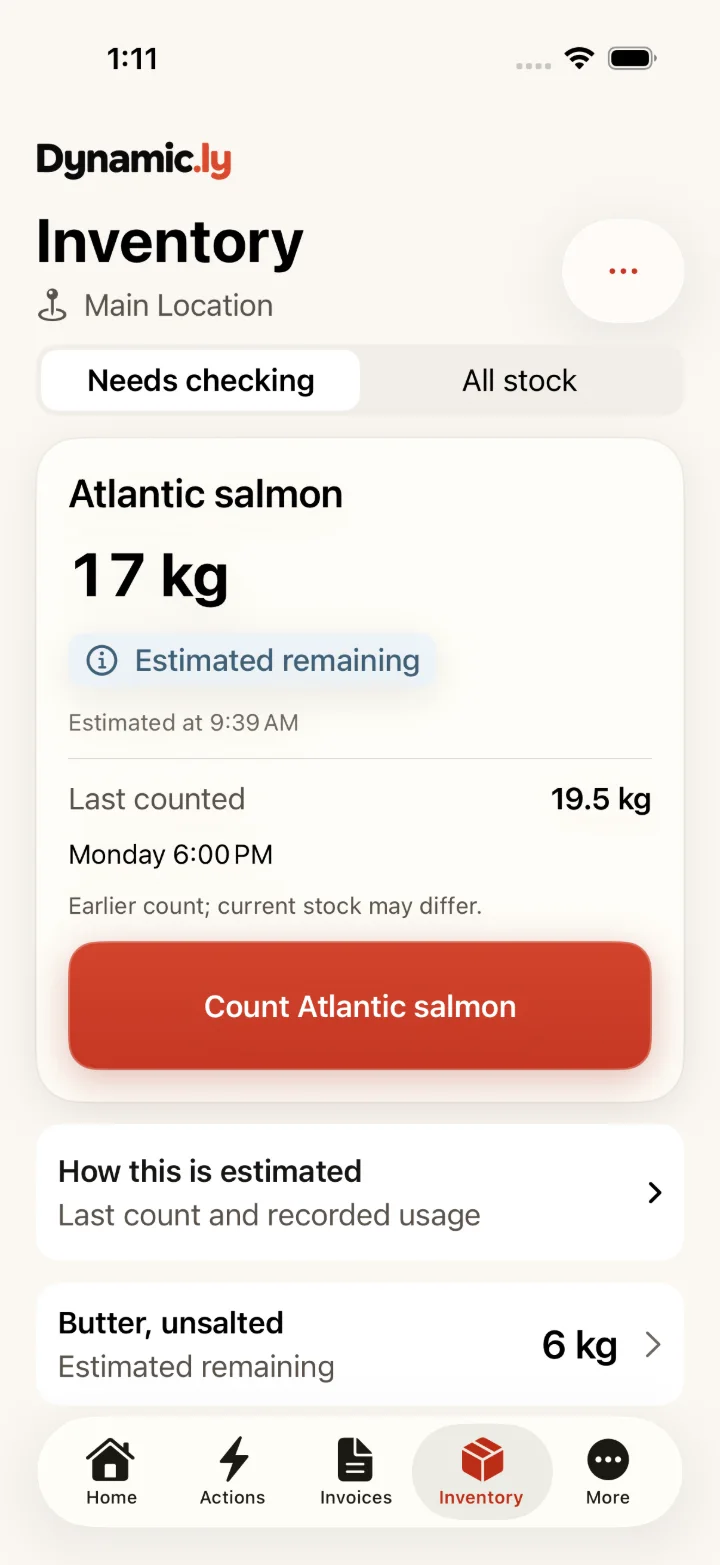
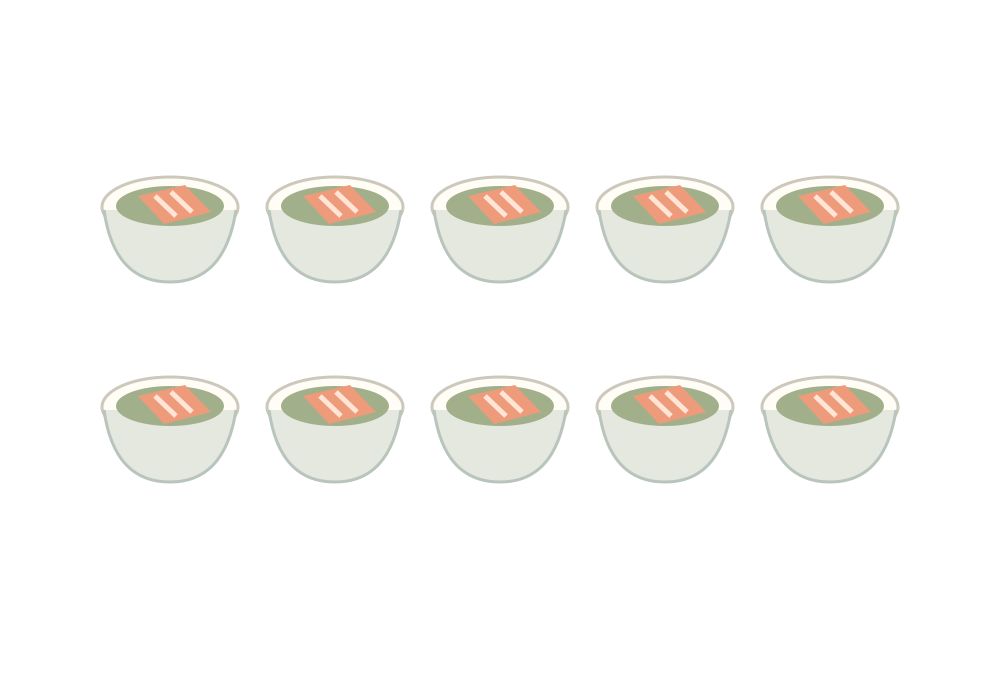
Fewer covers. Stock to check. Another supplier quote. See what a clearer next step could look like.
Example plan.
Example plan. No employee schedule or wage record is changed.
See the staffing exampleExample plan. A unit-price difference is not a confirmed saving on the total order.
Planned connection. A draft is not publication, a sale or a measured saving.
Illustrative restaurant scenario.
A timely special can introduce your restaurant to diners who haven’t tried it yet.
Check suitable stock, quantities and the use window.
Review the price floor, quantity cap and terms before sharing.
The special gets attention. Your food and service can earn the next visit.
Planned Dynamic.ly–Happily connection.
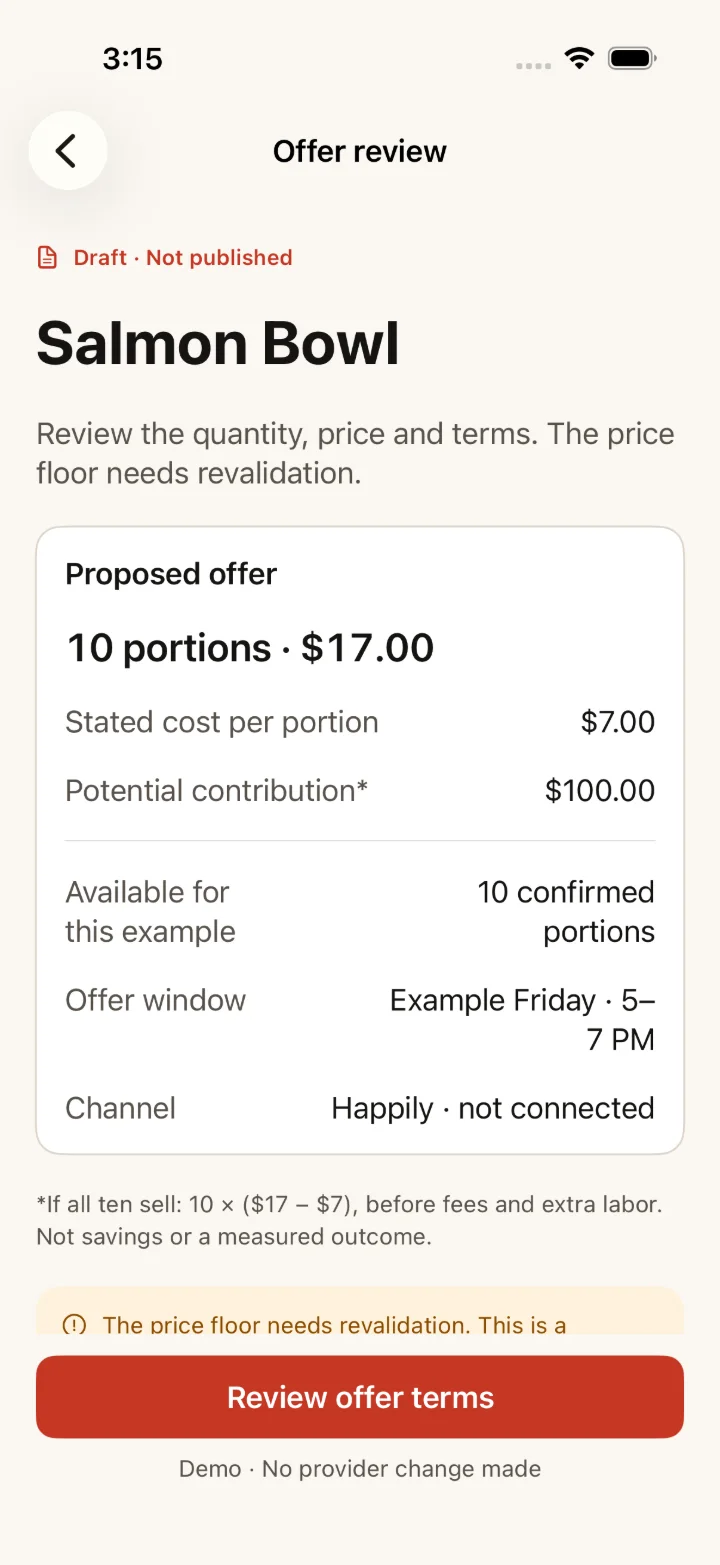
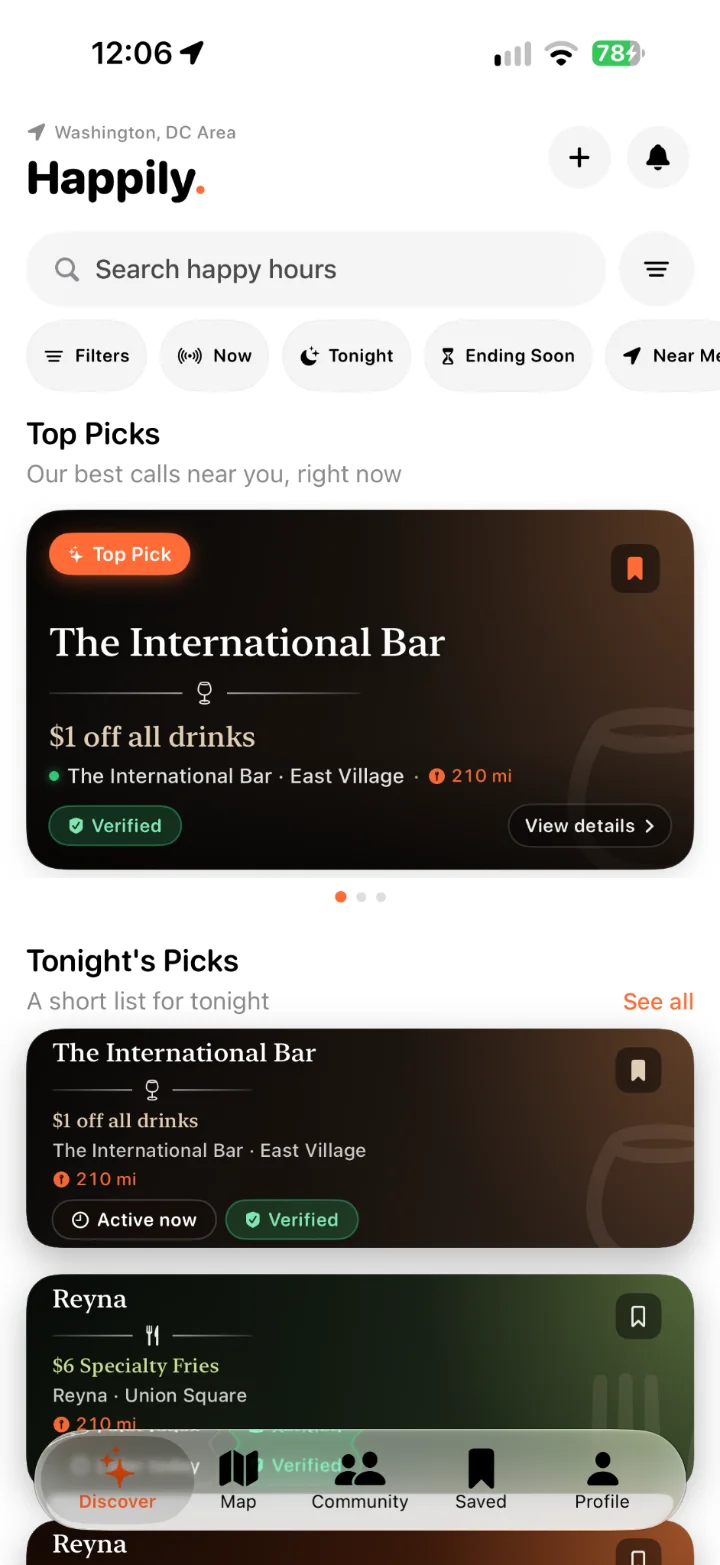
{{ notice }}
One screen at a time. The source, the meaning and the next decision.
Separate product examples; the screens do not establish one completed transaction.
An invoice gives you the vendor, unit and line total. Review the extraction before treating it as a cost.
Open in all product screens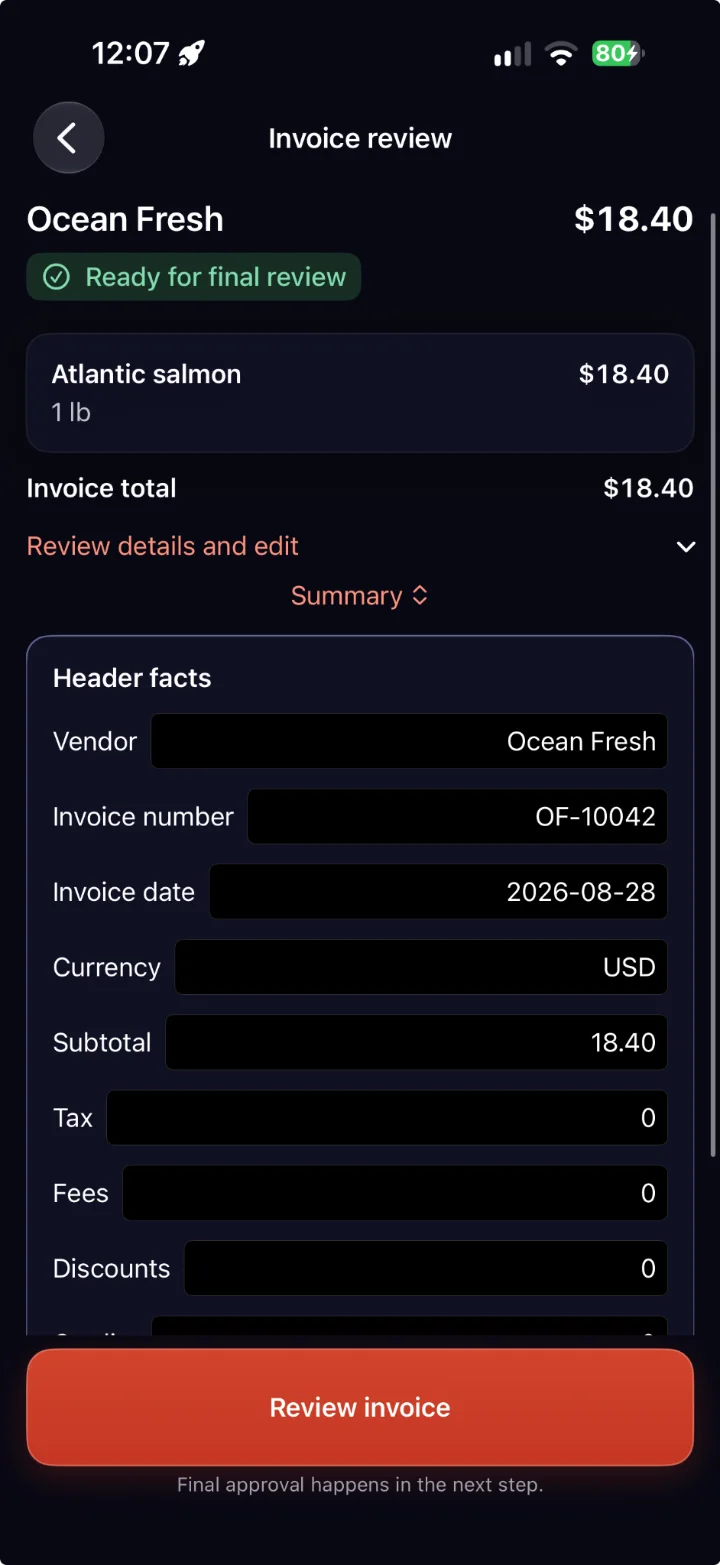
Keep the old cost, the new cost and their units in view. A higher ingredient cost is not a savings claim.
Open in all product screensEstimated stock and a physical count answer different questions. Keep both visible.
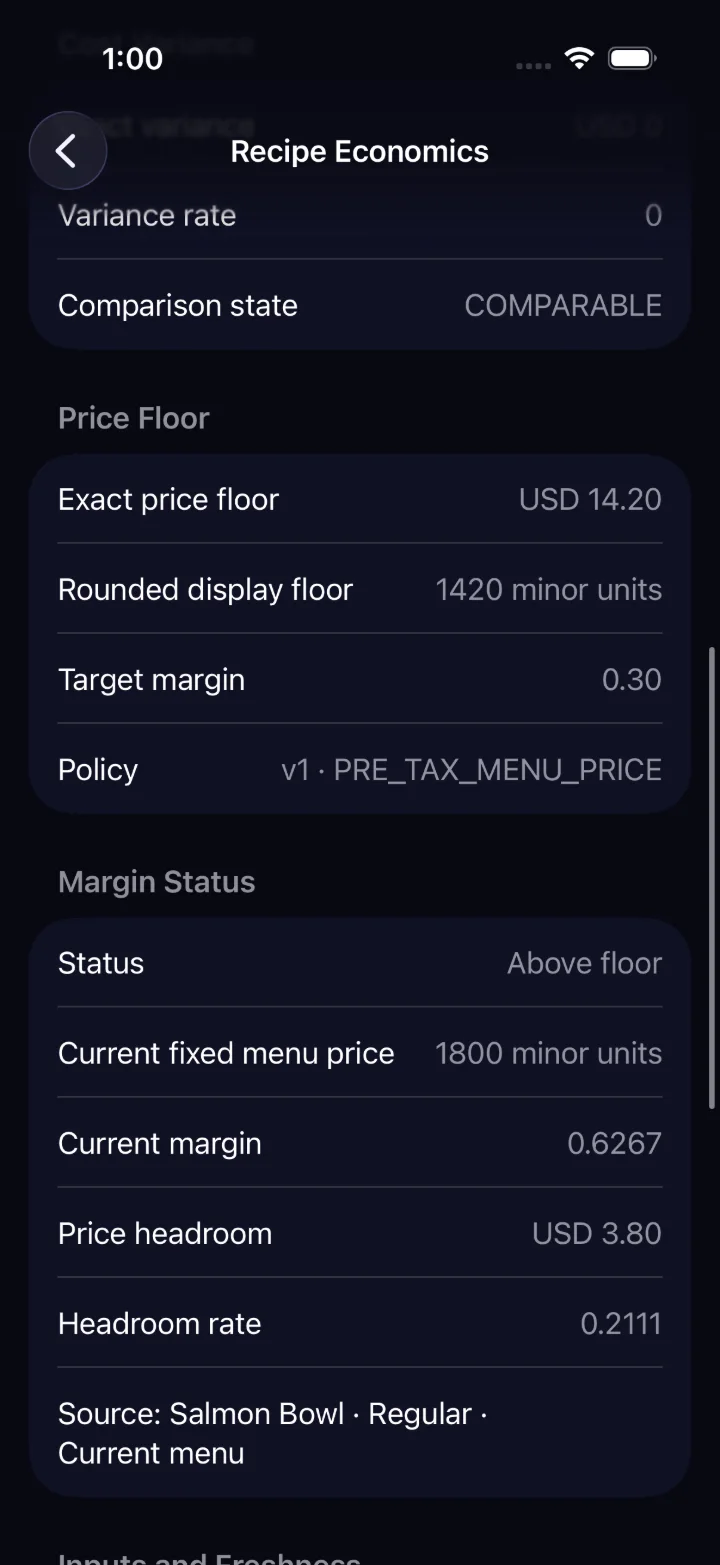
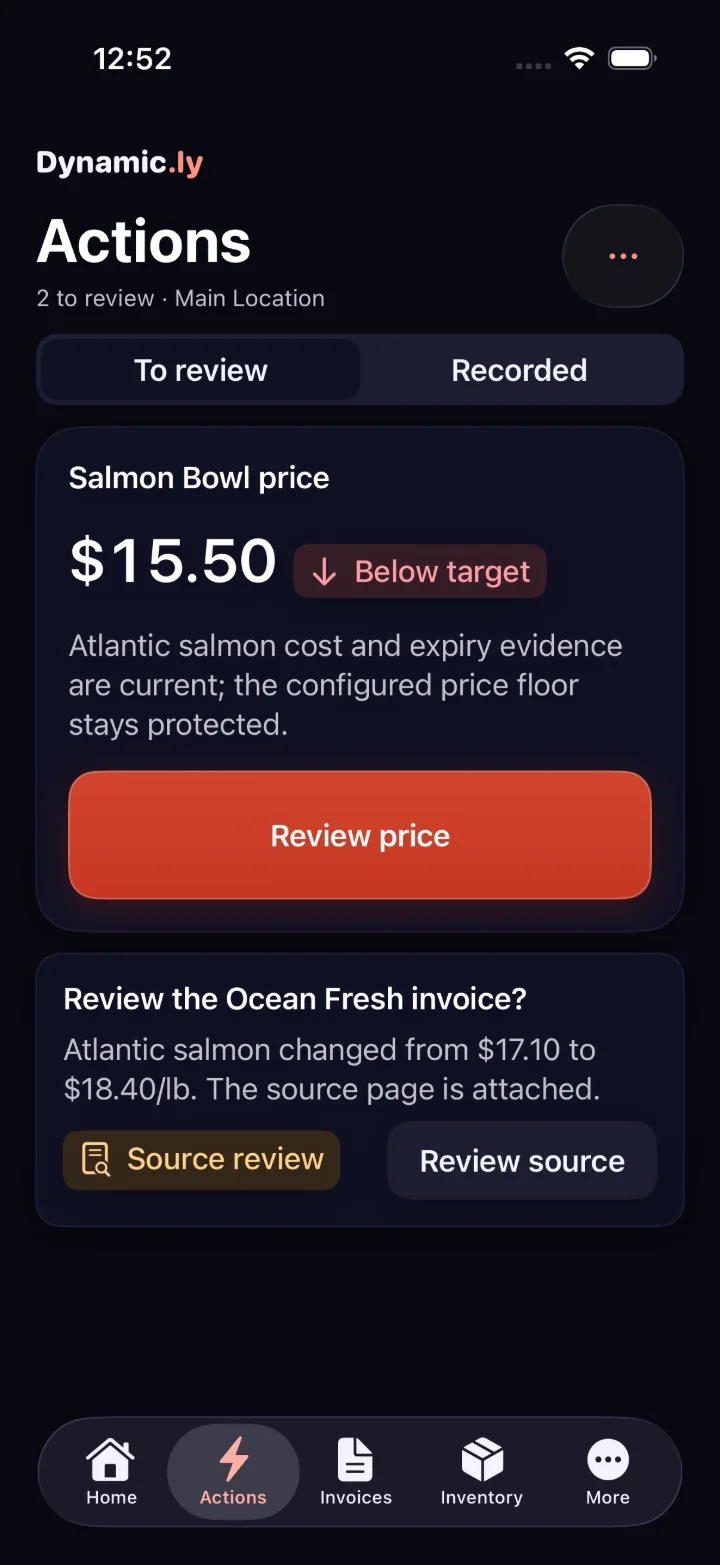
Open in all product screensCompare a current price with a proposal. Nothing changes simply because a suggestion appears.
Open in all product screens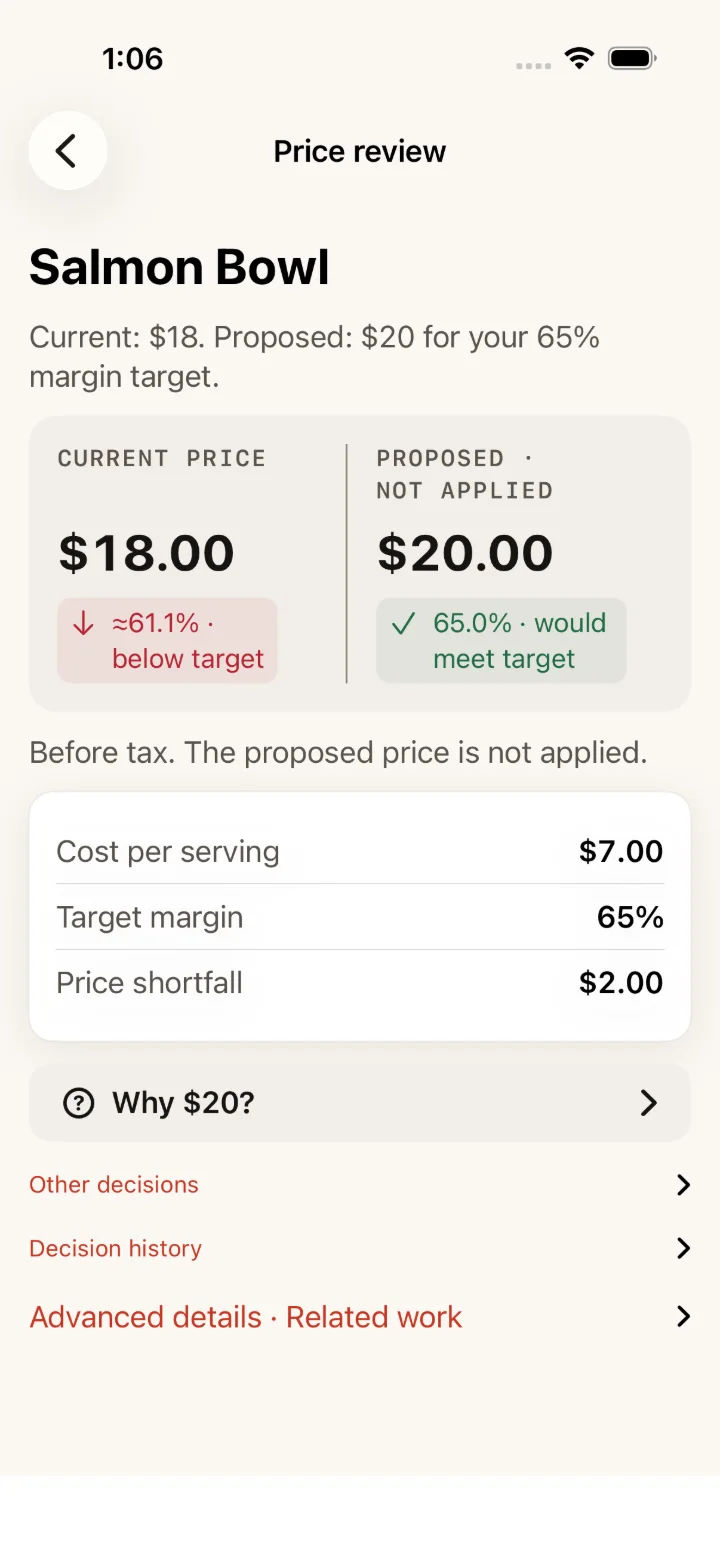
Separate examples; not one continuous invoice-to-price transaction. See all product screens
Every captured app view, grouped by area.
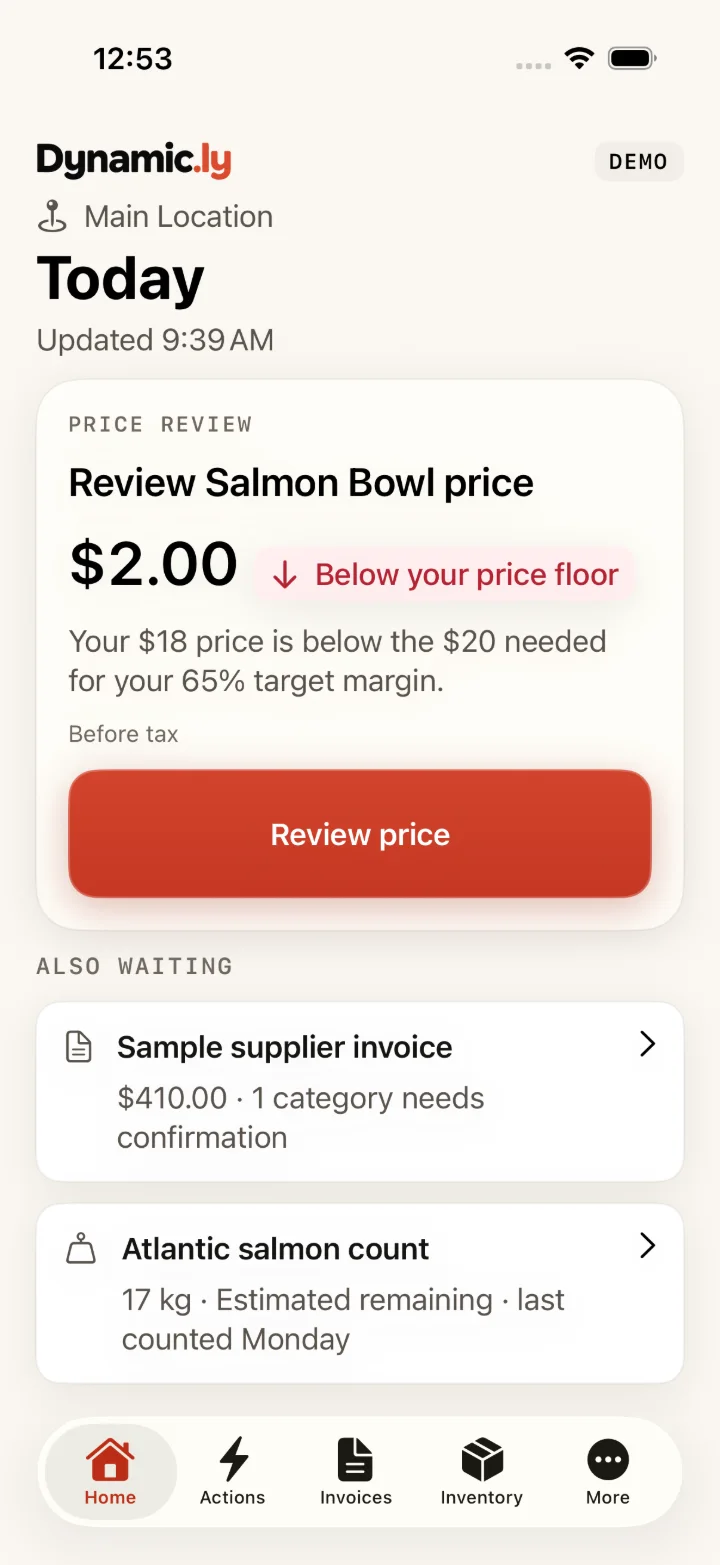
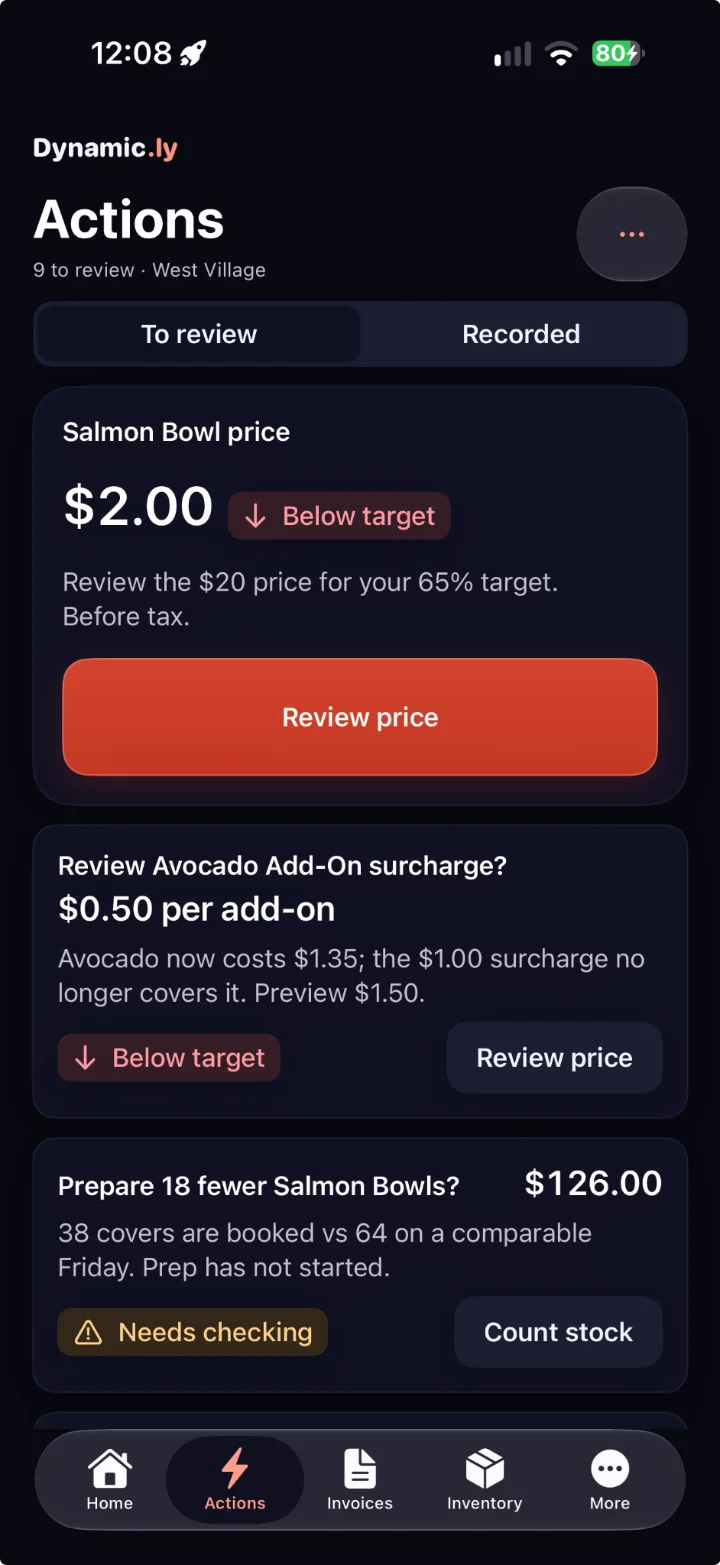
{{ cur.caption }}
We’re preparing for a wider release and reviewing requests from restaurant teams interested in testing with us.
For restaurant teams interested in testing with their own records and giving regular feedback.
Request beta considerationA request is not an acceptance.
Tell us about your restaurant and hear when wider access is available.
Join the waitlistNo payment, and no immediate access implied.
Discuss your restaurant, your current tools and what useful support would look like.
Meet with Thea ↗Opens Thea’s Calendly page. Choosing a time happens there.